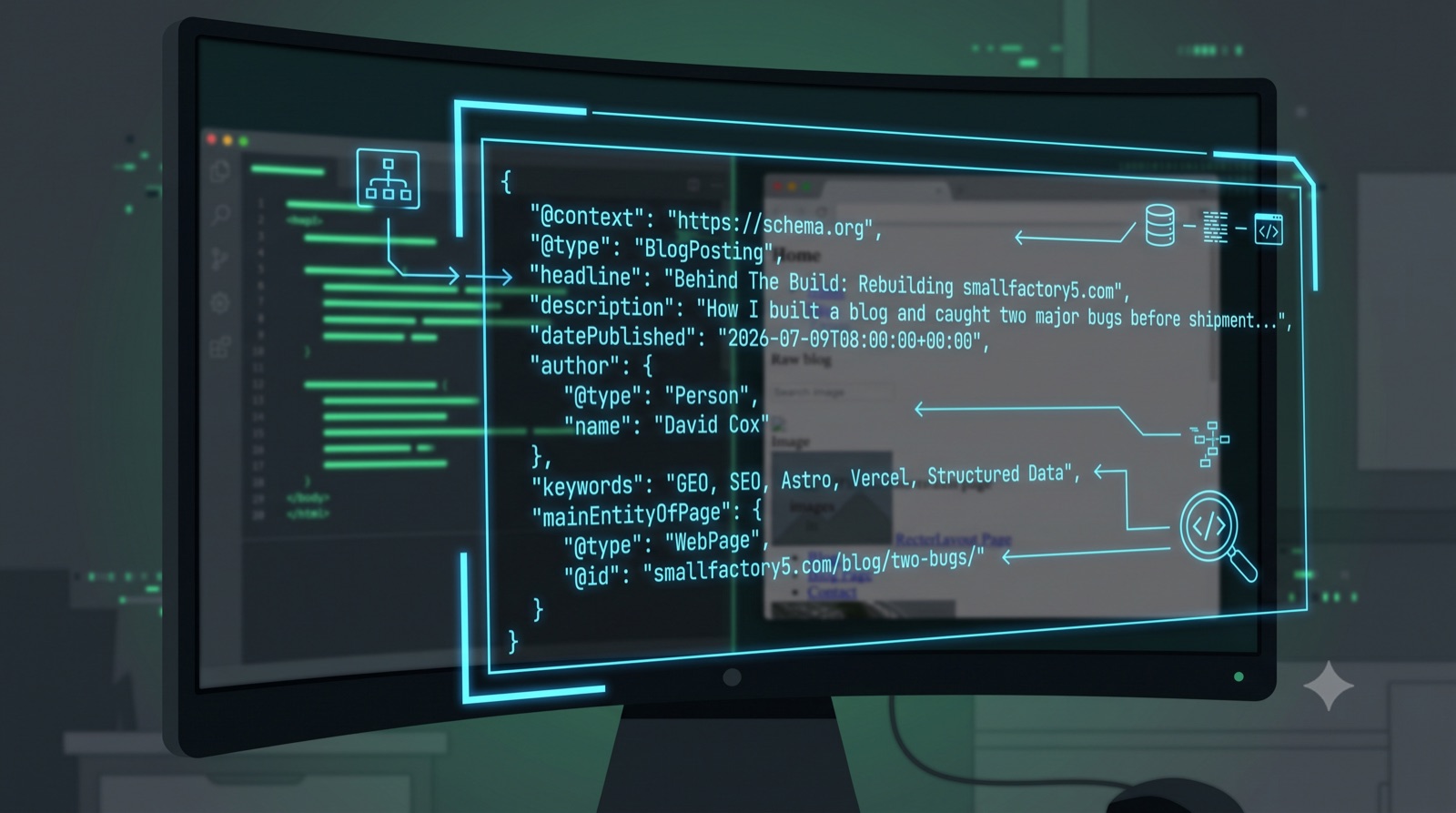
Small Factory 5 launched as a single static HTML page. A couple of days in, the obvious question showed up: how does a brand-new site actually get found, in both regular SEO and GEO? The honest answer, the one I’d give a client asking the same thing, is that a blog is the most direct lever available. So I built one, and moving the site to Astro and Vercel to support it took about an afternoon of real work, plus two near-misses that would have shipped a broken site without a single error message. Neither one was a typo. Both were the kind of gap that only shows up when you actually look at the rendered page instead of trusting that the code ran.
Why Move a One-Page Site to a Static Site Generator At All?
The old setup was a single hand-maintained index.html on shared hosting. That’s fine for one page. It stops being fine the moment you want a second content type, a blog in this case, with its own templates, its own metadata, and its own schema, without hand-editing HTML for every post.
Astro’s content collections solve that directly: define a schema once (title, description, category, pubDate, draft), drop Markdown files into a folder, and every post gets a consistent template, a canonical URL, and its own BlogPosting JSON-LD automatically. That last part matters more than it sounds like it should. An AI engine deciding whether to cite a page is reading the same structured data a search engine reads. Consistent schema across every post is a Structured Clarity win, not just a developer convenience.
The First Near-Miss: A Site With No Homepage
The blog got built first, deployed to a Vercel preview URL, and it worked. The post list rendered, the individual post page rendered, everything looked done. It wasn’t. The project had a blog and nothing else: no src/pages/index.astro at all. The plan going in was to point smallfactory5.com’s DNS straight at that deployment.
That would have taken down a live homepage with zero downtime warning and replaced it with a 404 at the root domain. The only reason it didn’t happen: checking what the Vercel deployment actually returned at / before touching DNS, not after.
Testing “does the blog page load” is not the same test as “is this a complete site.” The second question is the one that matters before a DNS change.
The fix was mechanical once caught. Pull the live homepage’s HTML, rebuild it as an Astro page with the same sections, same copy, same schema, verify the two matched. But the catch itself only happened because the check ran on the whole site, not just the new feature.
The Second Near-Miss: A Stylesheet That Matched Nothing
The blog list page loaded after the CSS was in place. It also rendered as plain, unstyled text: default blue underlined links, no fonts, no card layout, everything the CSS file was supposed to prevent. The stylesheet existed. It was linked correctly. It just didn’t match anything on the page.
The cause is a specific Astro behavior worth naming, because it’s easy to hit by accident: scoped styles only apply to markup written directly inside the component that defines the <style> block. Content passed into that component through a <slot />, which is exactly how a shared layout wraps page-specific content, does not inherit the parent’s scoping hash. The layout’s own nav and footer rendered fine, because that markup lives in the same file as the <style> tag. The post list and article body, both passed in through the slot from separate page files, matched nothing, because the compiled CSS selectors were silently scoped to a hash those elements never had.
No build error. No console warning. Just a page that looked like the CSS had never loaded, sitting right next to nav and footer styling that worked perfectly. The fix was a one-word change, marking the layout’s style block is:global, but finding it required actually rendering the page and looking at it, not just confirming the build succeeded.
What Actually Shipped
- Astro content collections for the blog, schema-validated frontmatter on every post
- A rebuilt homepage matching the previous live site’s content and structured data exactly
- Git history and a private GitHub repo, where none existed before
- Production deployment on Vercel, connected to that repo
- DNS cutover from the old shared-hosting IP to Vercel’s edge network
The Slow Part Nobody Warns You About
The code was done well before the site actually went live. DNS was the long pole, not because the change was wrong, but because the old A record’s TTL was four hours, and every resolver that had cached the old IP kept serving it until that cache genuinely expired, independent of what the authoritative nameservers now returned. Checking from one browser, one network, one moment in time tells you nothing reliable during that window. Checking from multiple independent public resolvers, and re-checking hours apart, is what actually tells you whether a change propagated or whether it’s stuck.
FAQ
Q: Why does a scoped CSS bug not throw an error? A: Scoped styles are a compile-time feature. Astro appends a unique attribute to elements in a component and rewrites that component’s CSS selectors to match. If markup arrives from outside the component (via a slot), it simply never gets the attribute. The CSS is valid, the HTML is valid, and neither one is wrong on its own; they just don’t reference each other. Nothing in the build pipeline is positioned to catch that mismatch, because nothing about it is actually broken code.
Q: How long does DNS propagation actually take? A: However long the old record’s TTL says, at minimum, for any resolver that cached it before the change. A four-hour TTL means some visitors can be served the old IP for up to four hours after a correct DNS change, with nothing wrong on the new side at all.
Q: Is it safe to point a domain at a new host before confirming the new deployment is complete? A: No. Confirm every route a visitor could land on, not just the one you were actively building, resolves correctly on the new host first. A working blog page proves the blog works. It proves nothing about the homepage.
Written by David Cox, GEO consultant at Small Factory 5. This is the same “check the rendered result, not just the passing build” standard applied to every client page review. The five-lever framework doesn’t care whether the page in question belongs to a client or to this site.
Ranking isn't the same as getting cited.
If you're not sure whether AI search actually cites this page, that's exactly what a page review checks.
See how it works